 Spaceblox
The Spaceblox guide. Controls, every rule, how stars and hints work, beginner tips and answers to common questions.
 Play in browser
About this guide
Spaceblox gives you a grid with a few colored tiles already in place and asks you to fill every empty cell. That sounds simple, but each color follows its own rules.
This guide starts with how to play, step by step, then lists every rule with the exceptions that make the puzzles interesting. After that it explains how stars, hints and the campaign work, gives a quick controls reference, and ends with tips for the moment you get stuck. Every puzzle can be solved by reasoning alone, so if a board feels like guesswork, the tips section is the place to look.
New here? See what Spaceblox is, or play in your browser with this guide open.
Guide
How to play
- Start with the tutorial. The first time you press Play, Spaceblox offers a guided tutorial. It introduces one rule at a time on small boards and lets you practise each one before moving on. You can replay it any time from the main menu.
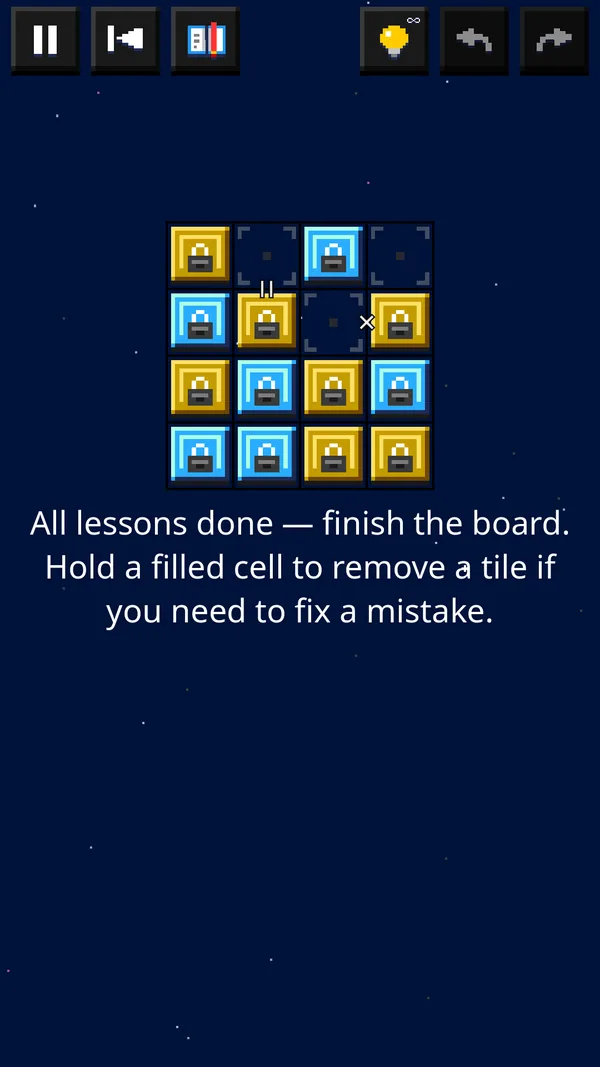
- Look at the board. Some cells already hold tiles. Tiles with a lock icon are fixed and cannot be changed — they are your starting clues.
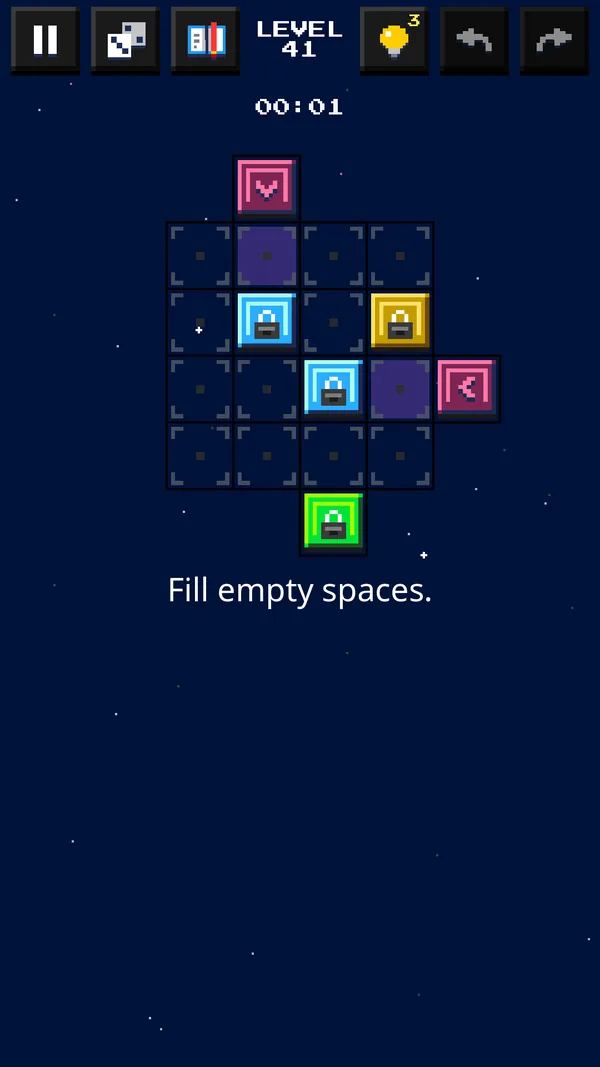
- Place tiles. Tap (or click) an empty cell to cycle through the colors: Yellow, then Blue, then Green. Stop on the color you want.
- Fix mistakes. Press and hold a filled cell to clear it, or use Undo and Redo in the top bar. Restart puts the board back to its starting layout.
- Watch for red. If a placement breaks a rule, the affected cells are highlighted in red. Change one of them to resolve the conflict.
- Slide purple tiles. On boards with purple tiles, tap a purple tile to hop it along its arrow to the linked cell.
- Fill the last cell. When every cell is filled and no rule is broken, the level is solved and you see how many stars you earned.
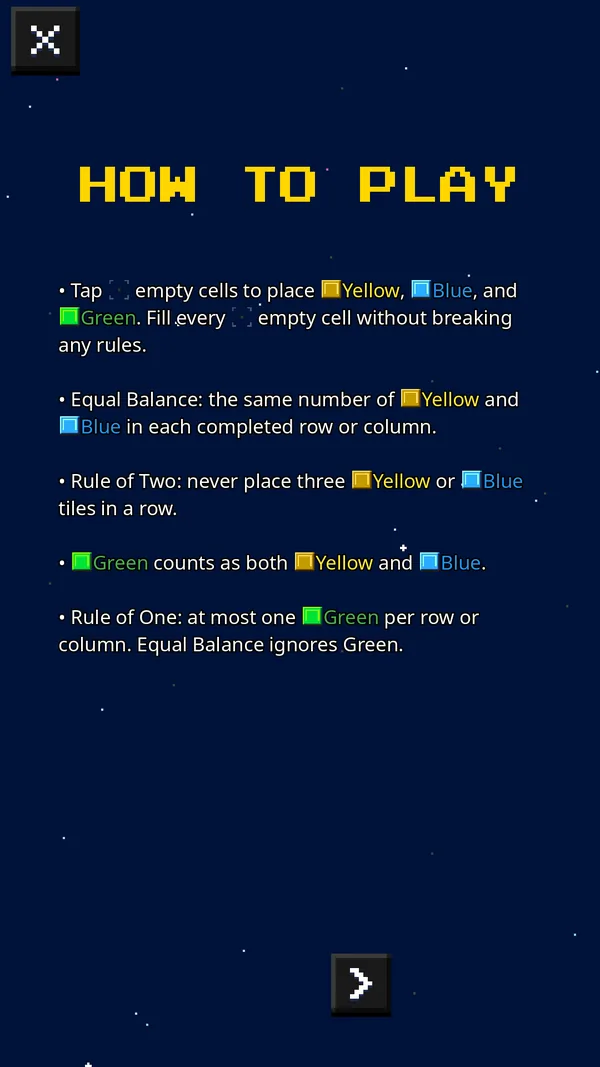
- Need the rules again? The How to Play button opens the full rule guide with valid and invalid examples at any time, even mid-level.
Guide
The rules


Core rules (yellow and blue)
- Rule of Two: never place three tiles of the same color next to each other in a row or column. Two yellows side by side are fine; a third is not.
- Equal Balance: every completed row and column must contain the same number of yellow and blue tiles.

Green tiles
- Green counts as both yellow and blue for the Rule of Two. So a green next to two yellows makes "three yellows", and yellow–green–yellow is also a run of three.
- Rule of One: a row or column may contain at most one green tile.
- Equal Balance ignores green. Green fills a cell without adding to the yellow or blue count, which is exactly what makes odd-length lines (3, 5 or 7 cells) possible to balance.

Purple tiles (shifters)
- A purple tile sits between two linked cells. Tap it to slide it along the arrow to the other cell.
- Another purple tile on the destination cell blocks the move — clear that path first.
- Like green, purple fills a cell without counting toward Equal Balance.

Locks and links
- Lock icon: the tile is fixed.
- = between two cells: both cells must be the same color.
- × between two cells: the two cells must be different colors.
Gallery
Screenshots
Progression
Stars, hints and progression
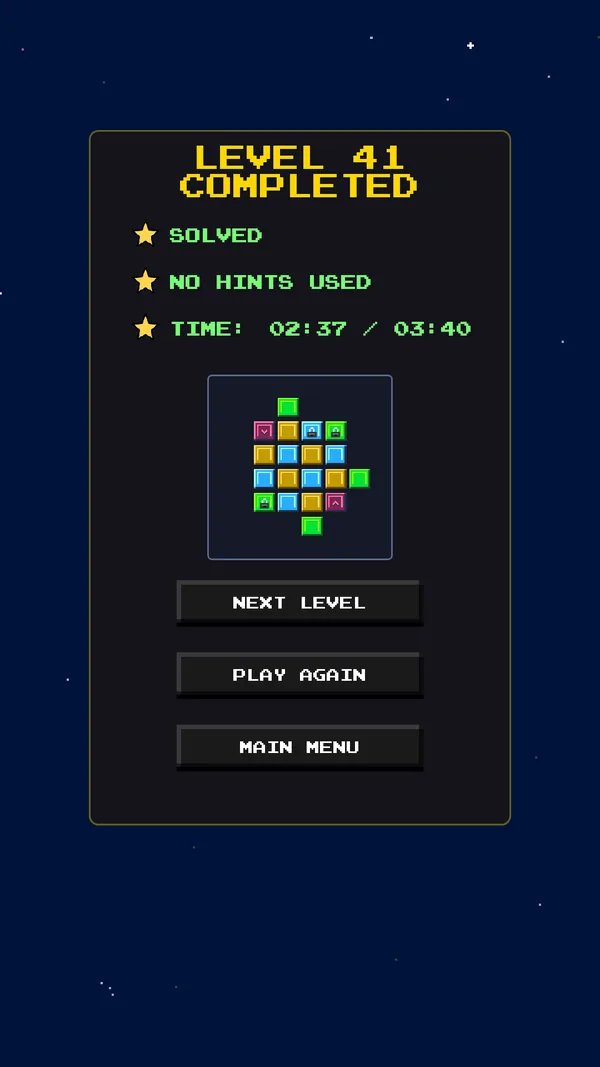
Each campaign level has up to three star goals:

Solved
Finish a valid board.
No hints used
Finish without using a hint.
Time
Finish within the level's time limit. Running out of time never ends the level; it only means this star stays empty. On boards with purple tiles, a star can instead ask you to use no more than a set number of purple hops.
Stars are optional. You can clear a level with one star and come back later to collect the rest.
Hints reveal a helpful "=" or "×" clue on the board. Each level gives you a small number of hints (more on harder levels). If you run out, you can choose to watch an optional ad to receive three more hints.
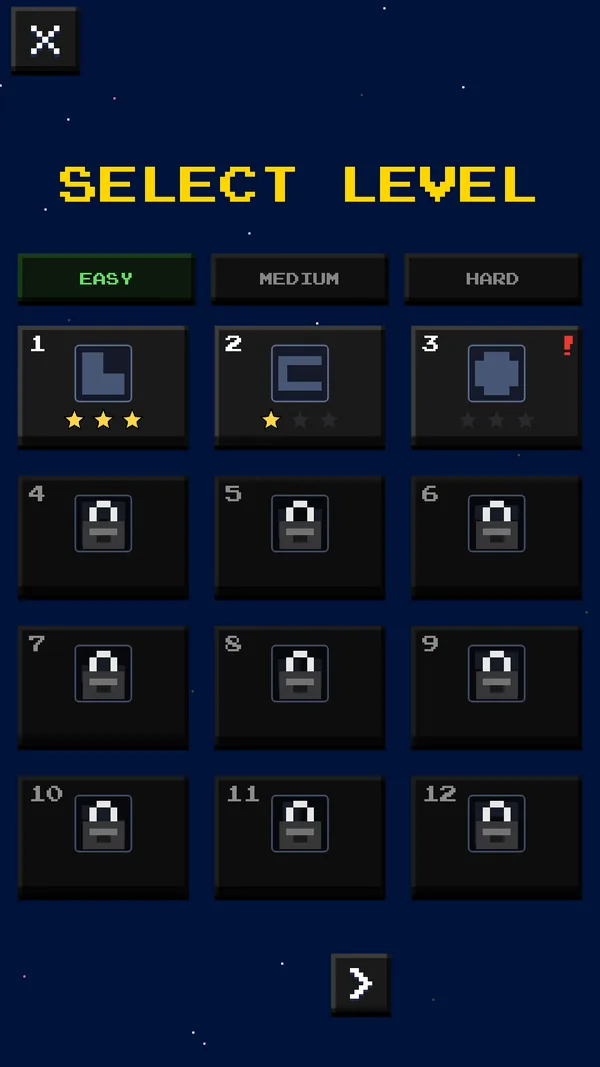
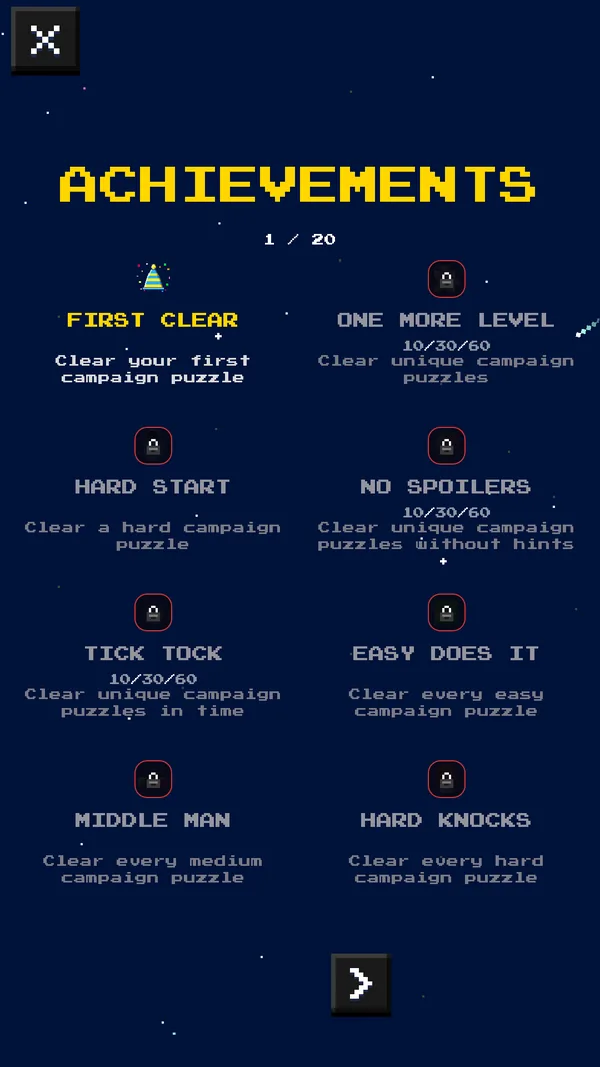
The campaign runs across easy, medium and hard levels, unlocking as you go, so the rules build up gradually from small boards to larger ones with green, purple and linked cells. Achievements reward milestones, star goals and a few secret feats (see Features for where they are available).
Reference
Controls
Touch
- Tap an empty cell to cycle Yellow → Blue → Green.
- Press and hold a filled cell to clear it.
- Tap a purple tile to slide it along its arrow.
Mouse
- Click a cell to cycle colors.
- Click and hold a filled cell for about a second to clear it.
- Click a purple tile to slide it.
Top bar
- Pause and Restart
- How to Play opens the rule guide, even mid-level
- Hint, Undo and Redo
Get better
Beginner tips
- Hunt for pairs first. Whenever two cells of the same color sit next to each other in a line, the cells on either side of that pair must be the other color. This is the single most useful deduction in the game and often unlocks a whole row.
- Fill the gap in a sandwich. If you see yellow, empty, yellow, the gap must be blue (and vice versa). Three in a row is broken whether the middle tile arrives first or last.
- Count to the halfway point. In a six-cell line without green, Equal Balance means exactly three yellows and three blues. Once one color reaches three, every remaining empty cell in that line must be the other color.
- Odd lines need a special tile. Yellow and blue must be equal, so their total is always even. A line with an odd number of cells therefore needs a green or purple tile somewhere in it. Because there can be only one green per line, finding where that green goes is often the key to an odd-sized board.
- Treat green as a wildcard that can block itself. Green counts as both colors for the Rule of Two, so it can never sit directly beside a same-color pair (yellow-yellow-green or blue-blue-green) or between two matching tiles (yellow-green-yellow). Green is easiest to place next to mixed neighbours.
- Use links as shortcuts. An "×" link on a yellow/blue board means the two cells are opposites, so knowing one tells you the other. Chains of "=" and "×" links let you carry information across the grid.
- Move purple tiles early. Sliding a purple tile changes which cell is empty. Decide where each shifter should rest before filling its neighbours, and remember a shifter can be blocked by another one.
- Let red highlights teach you. A red line shows exactly which rule broke. Rather than guessing, undo and ask which rule the red cells are breaking.
- Save hints for real dead ends. Solving without hints earns a star. If you are stuck, scan every row and column for pairs and halfway counts once more before tapping Hint.
Help
FAQ
Is Spaceblox free?
Yes. Spaceblox is free to play on Android and in the browser. It is supported by ads, and you can optionally watch an ad to get extra hints.
Do I need an account?
No. Progress is saved on your device. On Android, version 1.1.0 adds optional Google Play Games sign-in to sync progress and achievements.
Is every puzzle solvable without guessing?
The puzzles are designed to be solved by logic. If you feel you must guess, look again for pairs, sandwiches and halfway counts — or use a hint.
Will my browser progress carry over to the Android app?
No. The web version saves in your browser's own storage on that device, and cloud sync is only available in the Android app.
Is Spaceblox playable with color blindness?
Yes. An optional colorblind mode adds patterns to the tiles, so no rule depends on telling colors apart. The other accessibility options are listed under Features.
Watch
Trailer
Loads from YouTube (privacy-enhanced mode) when you press play. Prefer YouTube? Watch the trailer there.